

Manage Your Subscription
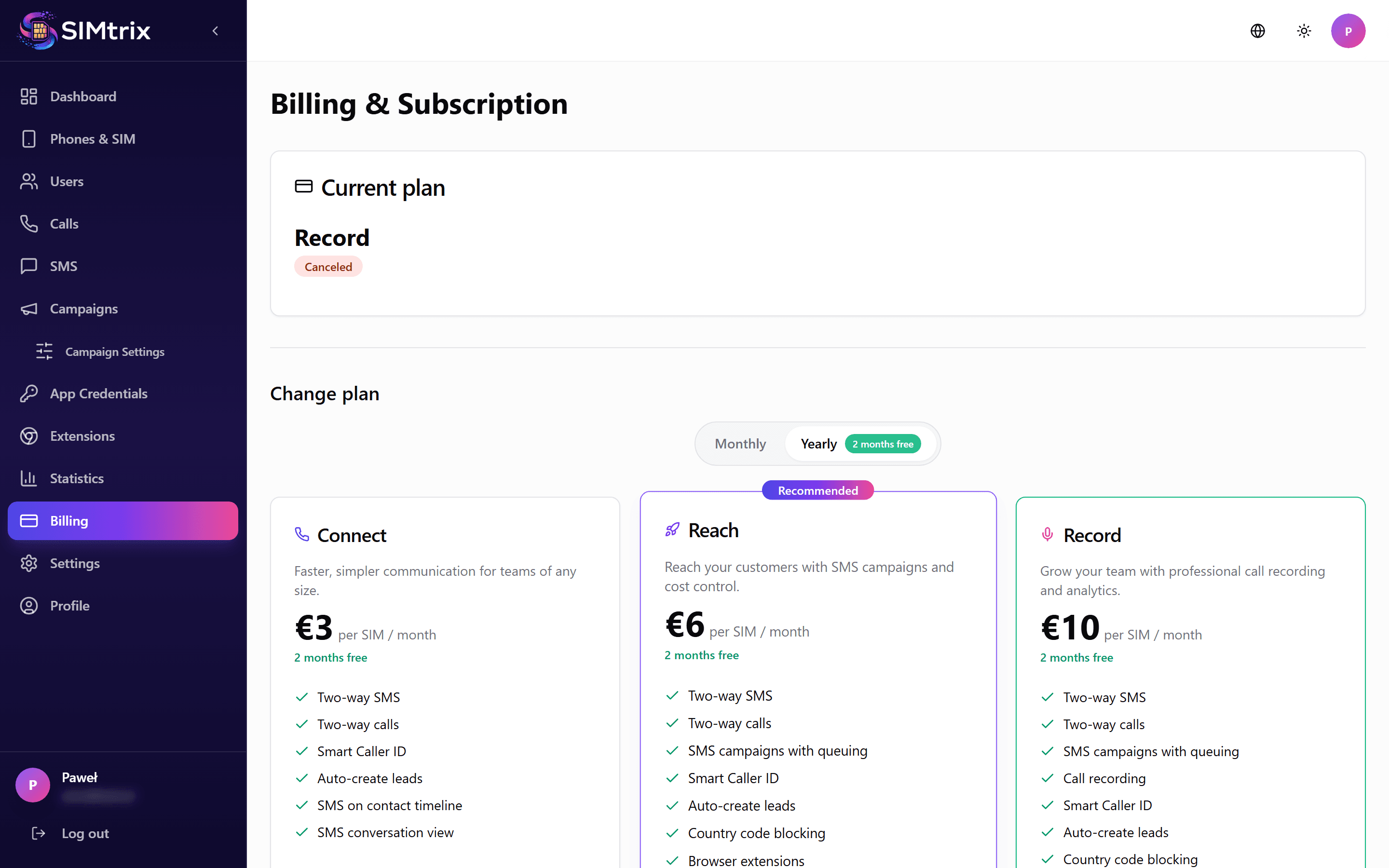
Open the Billing section
In your SIMtrix dashboard, click "Billing" in the left sidebar. This shows your current plan, billing cycle, next payment date, and payment method.
Upgrade your plan
Click "Change Plan" and select a higher tier. The upgrade is applied immediately. You are charged the prorated difference for the remainder of your current billing period. All new features become available right away.
Downgrade your plan
Click "Change Plan" and select a lower tier. The downgrade takes effect immediately. The unused difference for the rest of the current billing period is credited to your account and deducted from future payments. Features not included in the new plan are disabled right away.
Before downgrading, check which features you will lose. For example, downgrading from Record to Reach disables call recording.
Cancel subscription
Click "Cancel Subscription" at the bottom of the Billing page. Your subscription remains active until the end of the current paid period. After that, your account is paused. Your data is retained for 90 days, and you can reactivate at any time by subscribing again.