

Sync Users from Bitrix24
1
Open the Users section
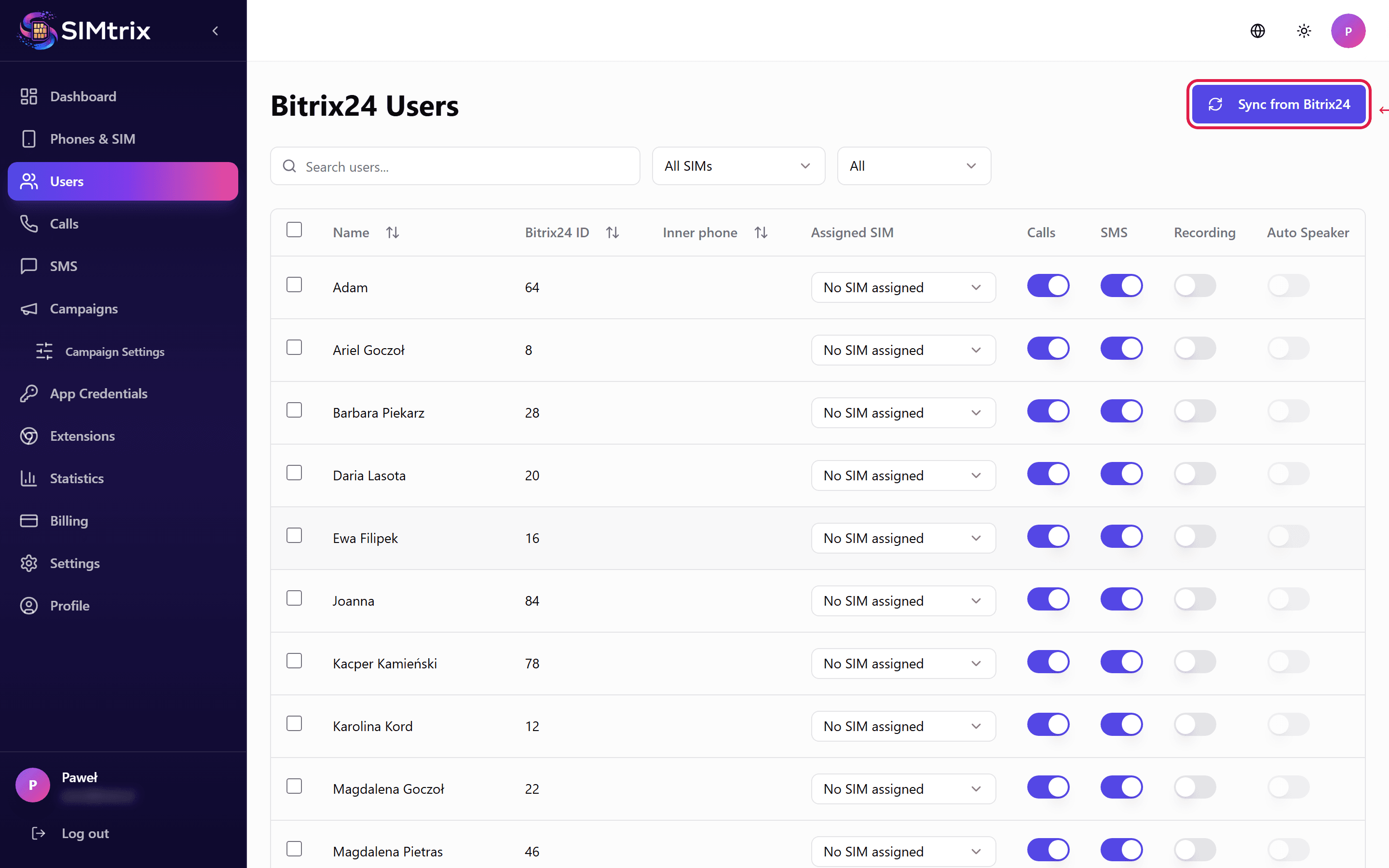
In your SIMtrix dashboard, click "Users" in the left sidebar. This shows all Bitrix24 users that have been imported from your portal.
2
Sync users
Click the "Sync Users" button at the top of the page. SIMtrix will fetch the current list of active users from your Bitrix24 portal via REST API. New users will be added and deactivated users will be marked accordingly.
User sync pulls names, email addresses, and department information. It does not import passwords or sensitive data.
3
Review imported users
After syncing, you will see the list of users with their names, emails, and Bitrix24 roles. Each user can be assigned to a phone/SIM and configured with individual permissions.
Frequently Asked Questions
How often should I sync users?
Sync whenever you add or remove users in Bitrix24. SIMtrix does not auto-sync users — you need to trigger it manually from the dashboard. This is intentional so you maintain full control over which users have SIMtrix access.
Can I choose which users have SIMtrix access?
Yes. After syncing, you can assign SIM cards only to specific users. Users without a SIM assignment cannot use SIMtrix for calls or SMS.