

Assign Users to SIM Cards
1
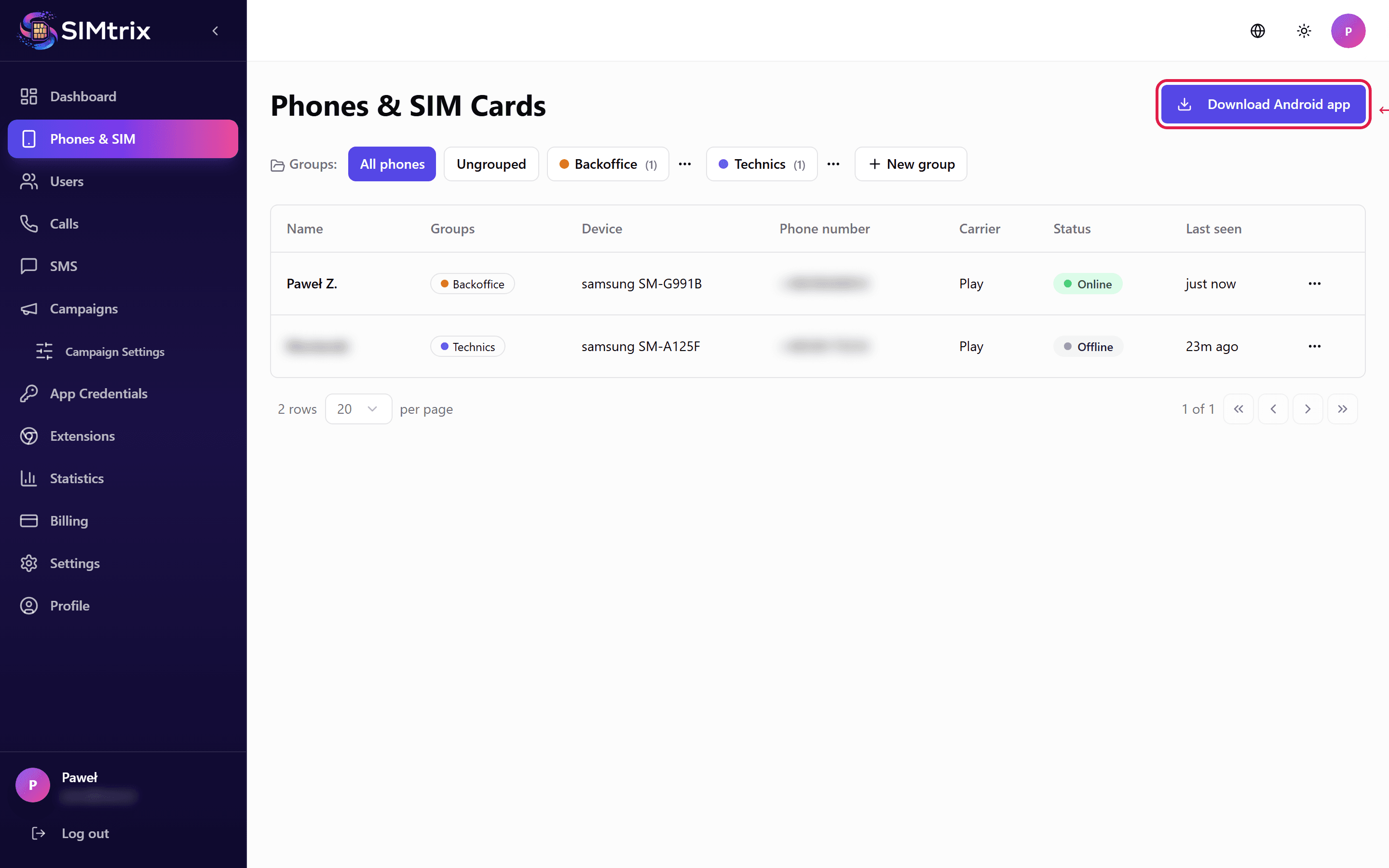
Go to the Phones section
In your SIMtrix dashboard, navigate to the Phones section. You will see all registered Android phones with their SIM card information and connection status.
2
Assign a user to a phone
Click on a phone entry to open its configuration. Under "Assigned User", select a Bitrix24 user from the dropdown. This user will be able to make calls and send SMS through this phone SIM card from Bitrix24.
Each SIM card can be assigned to one Bitrix24 user. If you need multiple users to share a phone, consider the campaign features in higher-tier plans.
3
Verify the assignment
After assignment, the phone entry will show the assigned user name. In the Users section, the user will show their linked phone/SIM. The Bitrix24 user can now use SIMtrix telephony features.
الأسئلة الشائعة
Can one user have multiple SIM cards?
On the Record plan, yes. A user can have multiple SIM cards assigned and choose which one to use. On the Connect and Reach plans, each user is limited to one SIM card.
What happens if I reassign a SIM to a different user?
The previous user immediately loses the ability to make calls and send SMS through that SIM. The new user gains access. Call and SMS logs from the previous assignment remain in the system for historical records.