

Send an SMS
Open a contact or deal in Bitrix24
Navigate to CRM in your Bitrix24 portal. Open the card of a contact, lead, or deal that has a phone number. Look for the SMS or message option on the card.
Compose your message
Click the SMS button. A message compose window opens. Type your message. Standard SMS supports up to 160 characters for a single segment. Longer messages are split into multiple segments automatically.
Keep messages concise. SMS over 160 characters are sent as multiple segments, which may cost more on your carrier plan.
Send the message
Click "Send". The command is relayed from Bitrix24 to SIMtrix server to your Android phone. Your phone sends the SMS using your SIM card. The message is delivered using your real phone number.
Message is logged in CRM
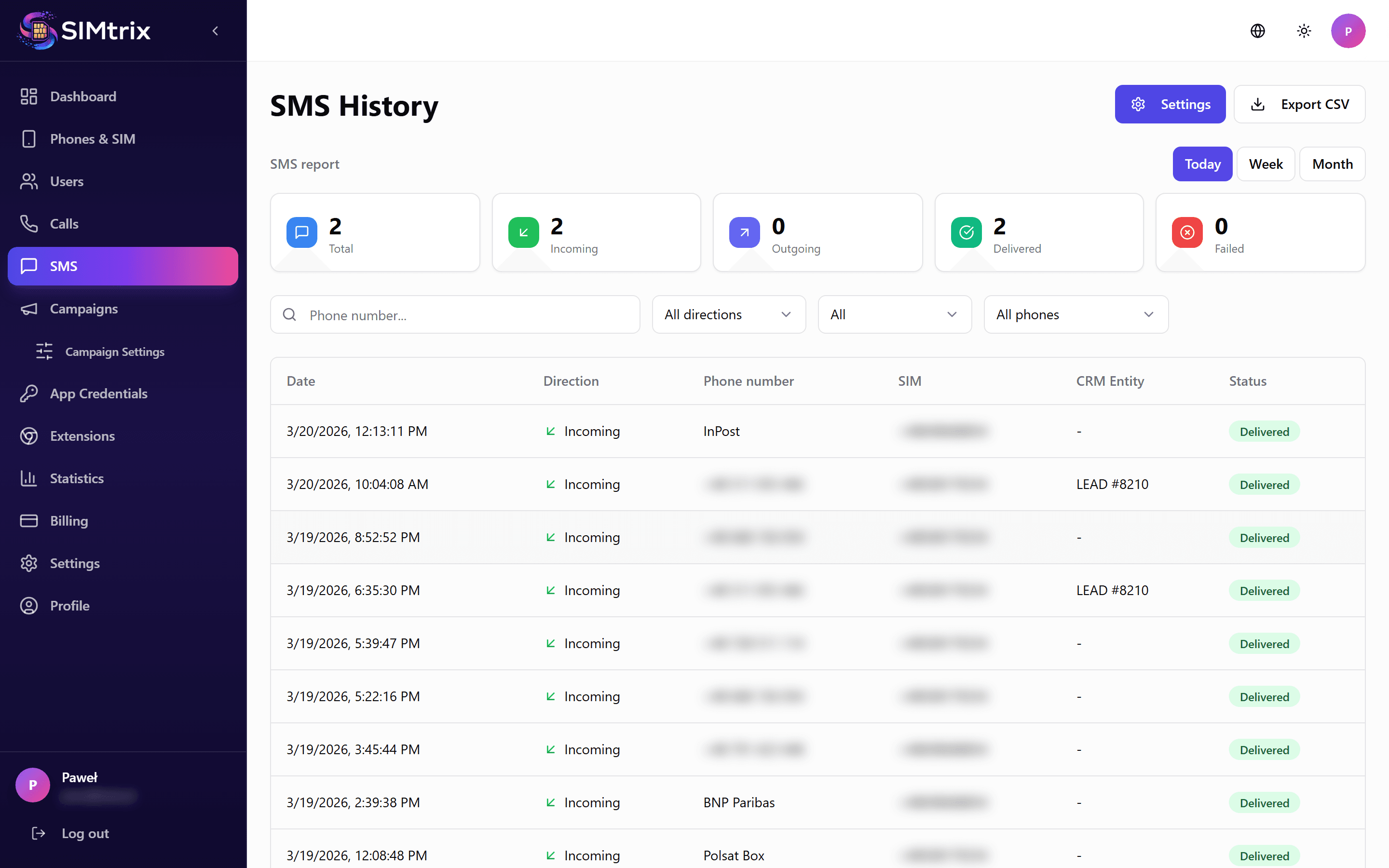
The sent SMS appears on the contact timeline in Bitrix24. It is recorded as an outbound SMS activity with the message content, timestamp, and delivery status.