Dashboard Overview
Main Dashboard
The dashboard is your central control panel. It shows an overview of your connected phones, recent call and SMS activity, system status, and quick actions. The sidebar navigation on the left gives you access to all sections of the panel.
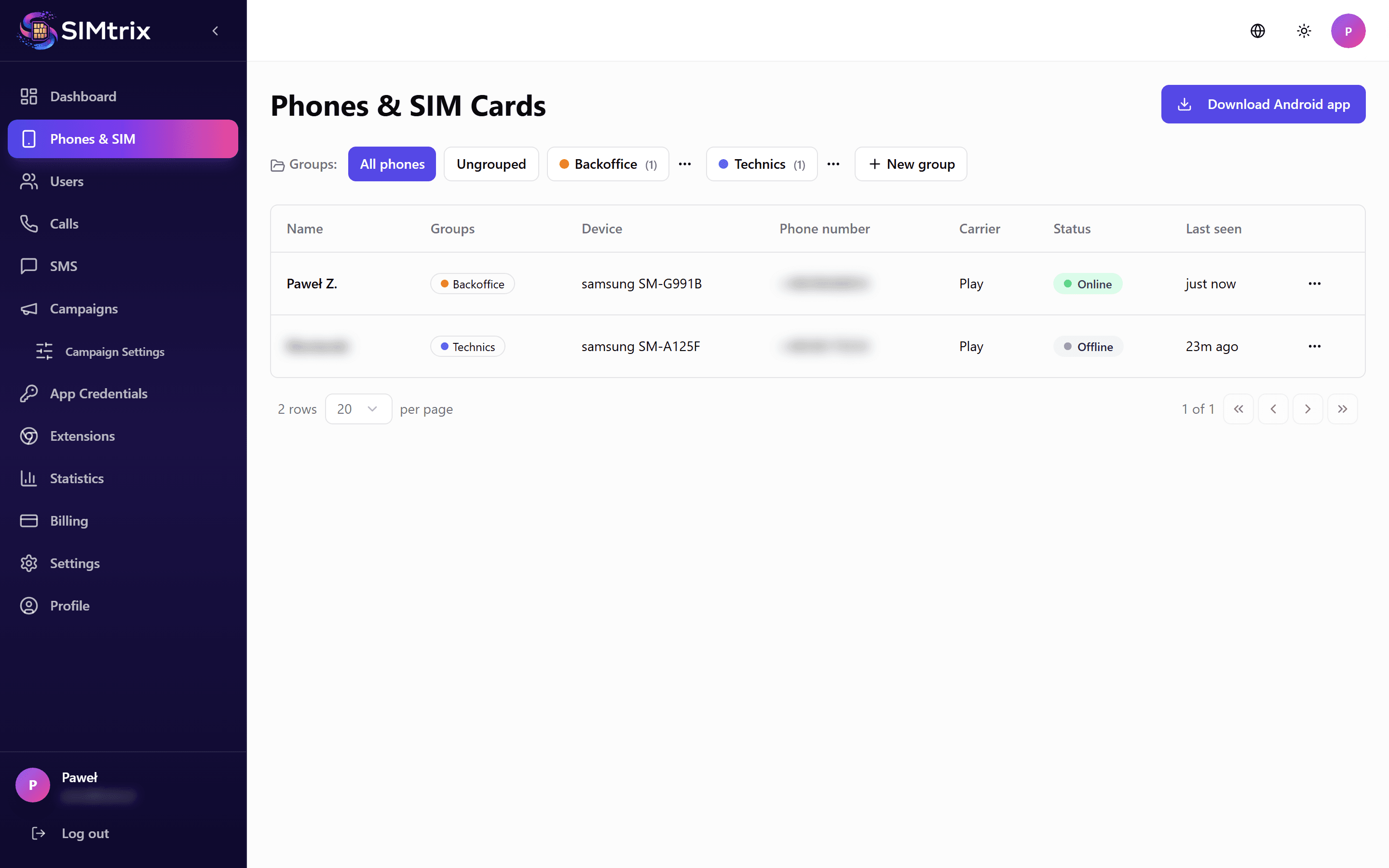
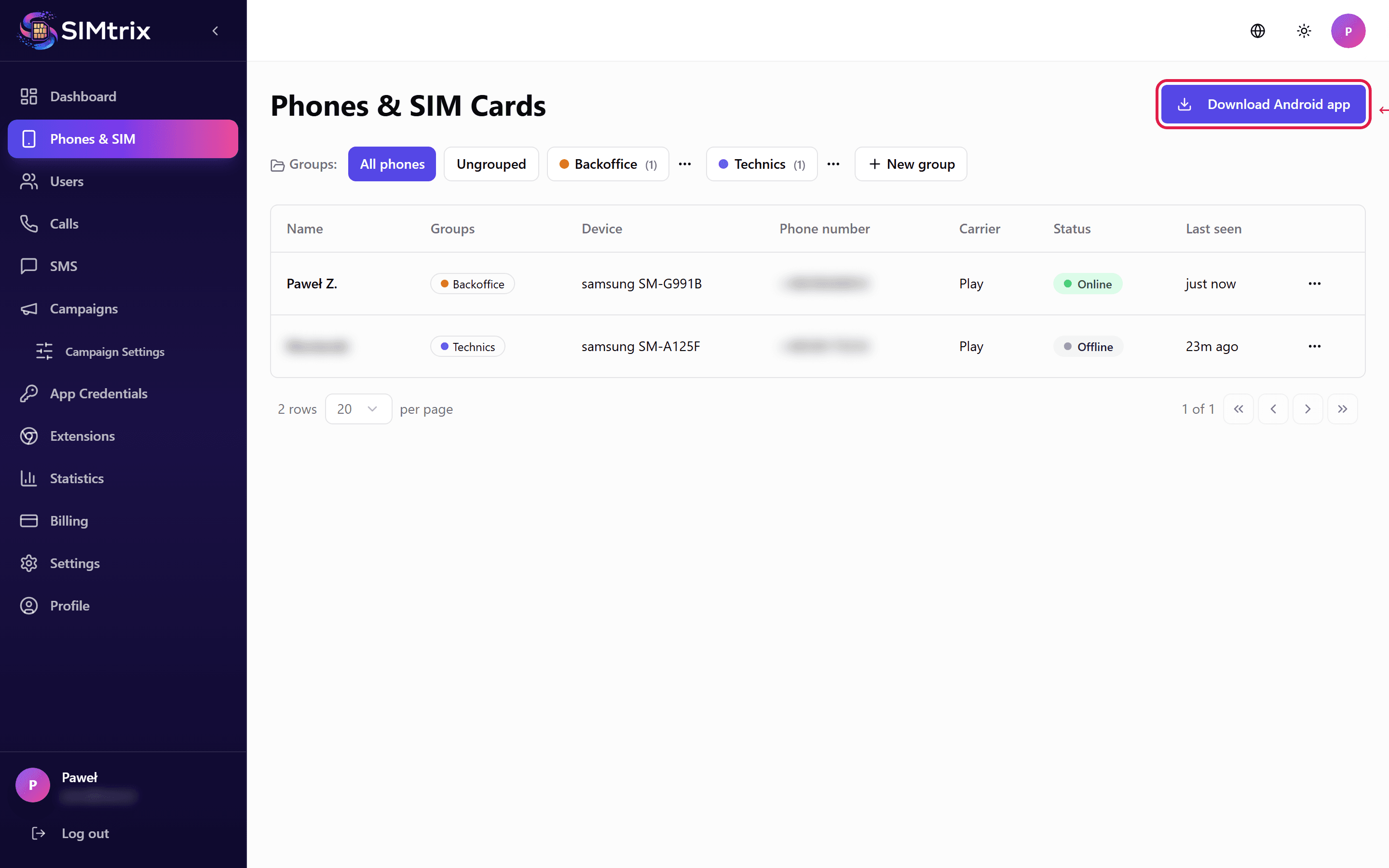
Phones Section
View and manage all connected Android phones. Each phone shows its connection status (online/offline), assigned SIM card, assigned Bitrix24 user, and last activity time. From here you can also download the APK and view mobile login credentials.
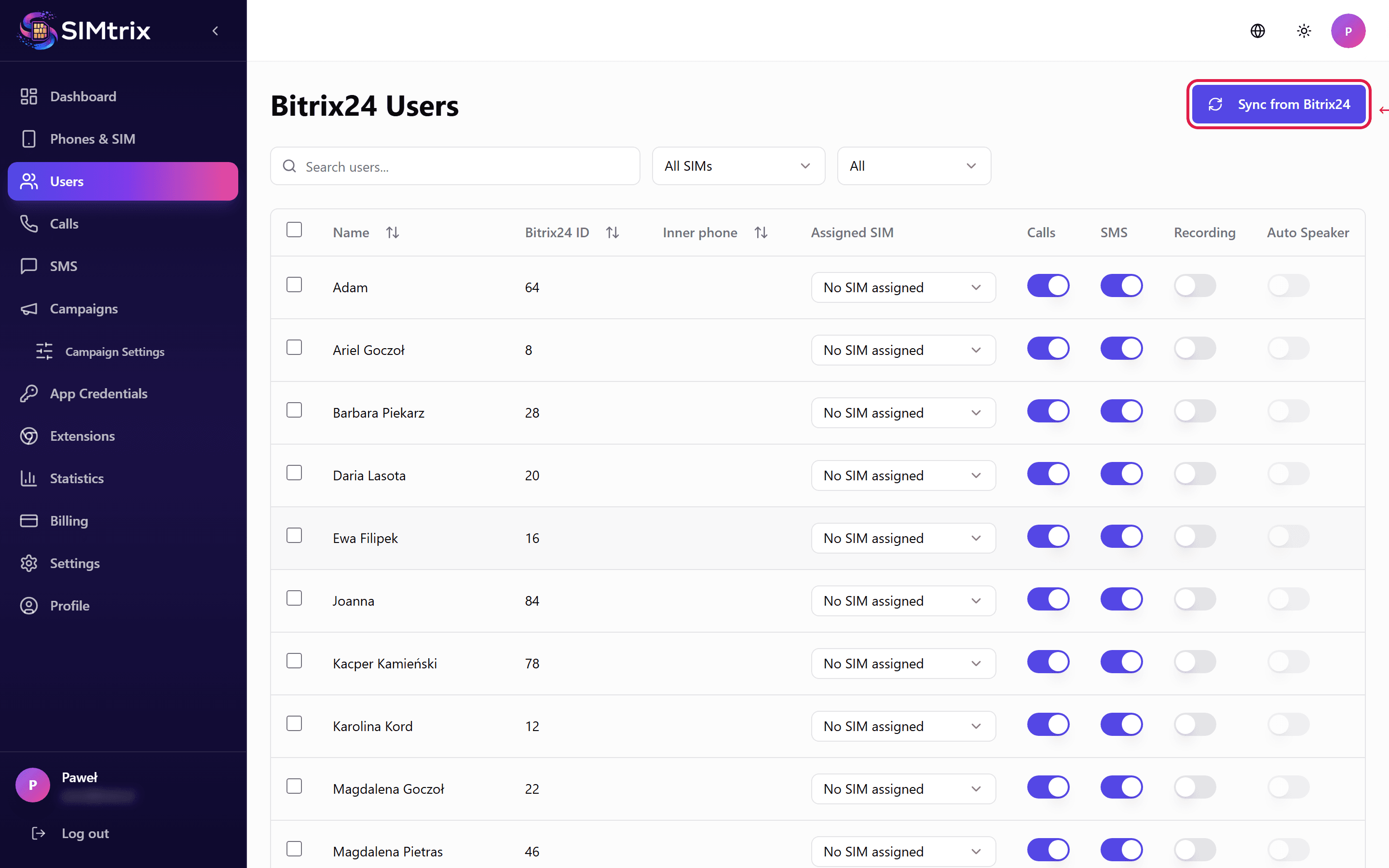
Users Section
Lists all Bitrix24 users imported from your portal. You can assign each user to a specific phone/SIM, configure their permissions (calls, SMS, recording), and manage feature access per user.
Calls and SMS Logs
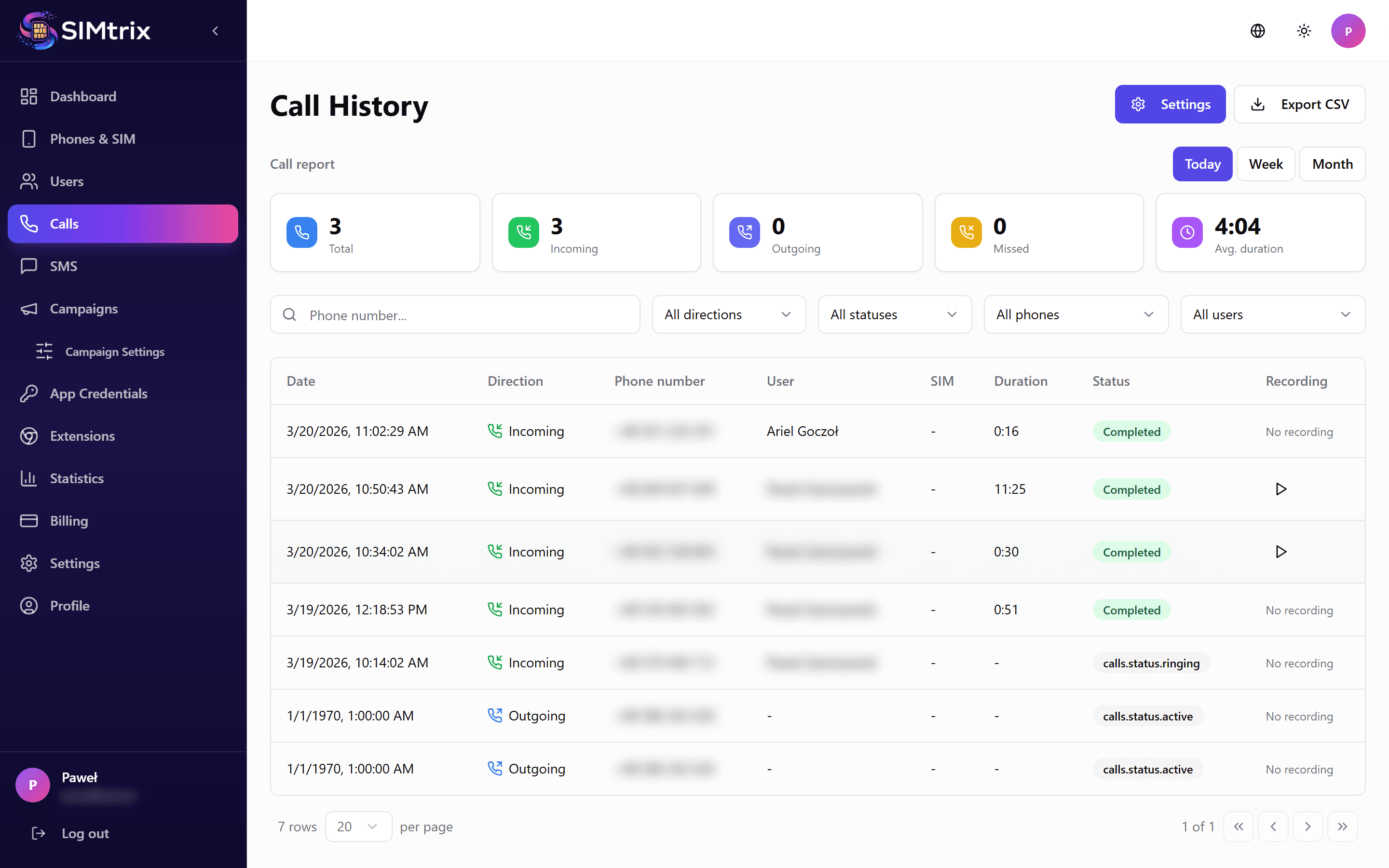
View the history of all calls and SMS messages processed through SIMtrix. Filter by date, user, phone number, or status. Each entry shows direction (inbound/outbound), duration, timestamp, and CRM logging status.
Statistics
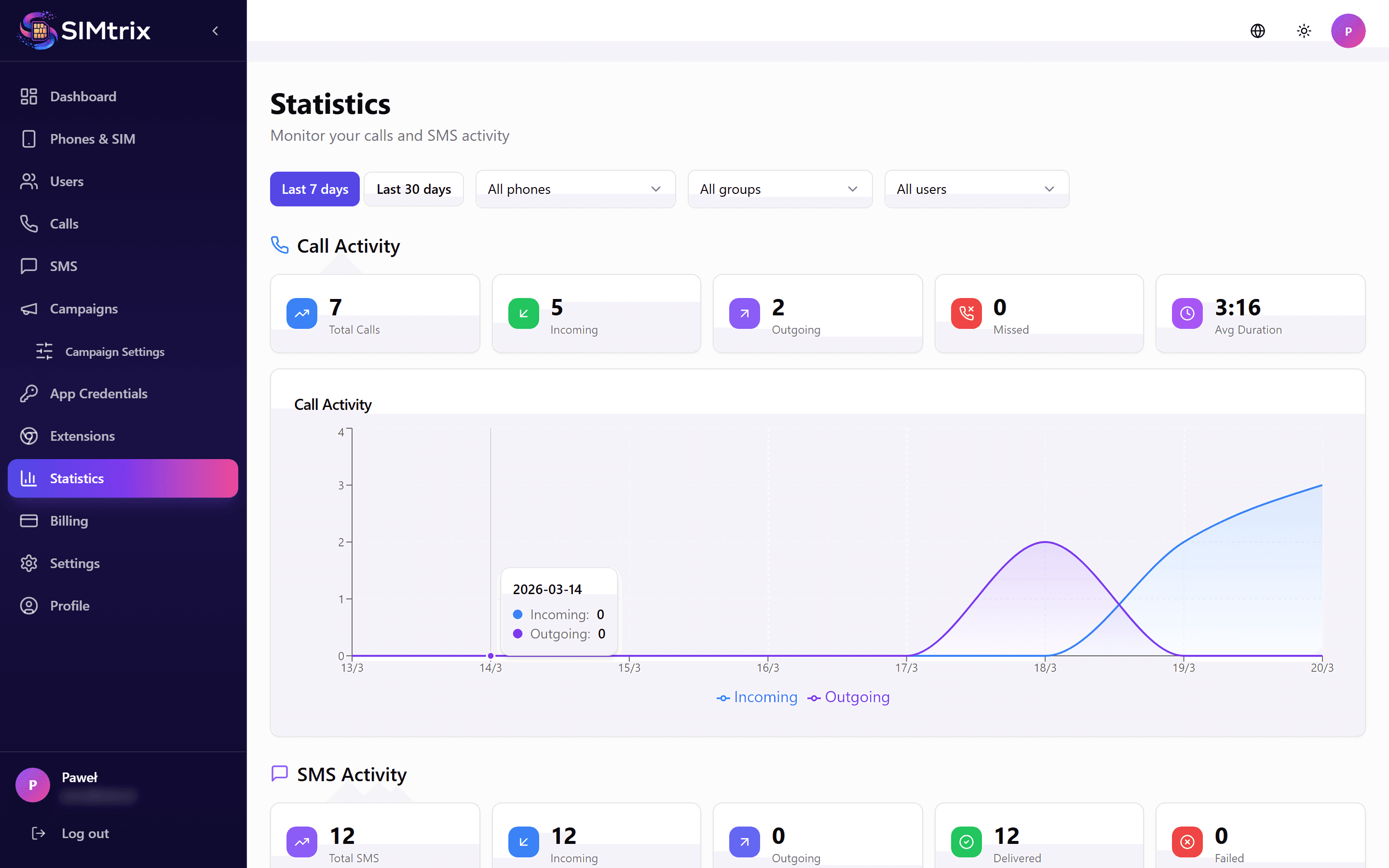
Visual charts and graphs showing your call and SMS volume over time. Filter by date range, user, or direction. Useful for monitoring usage and team performance.
Settings
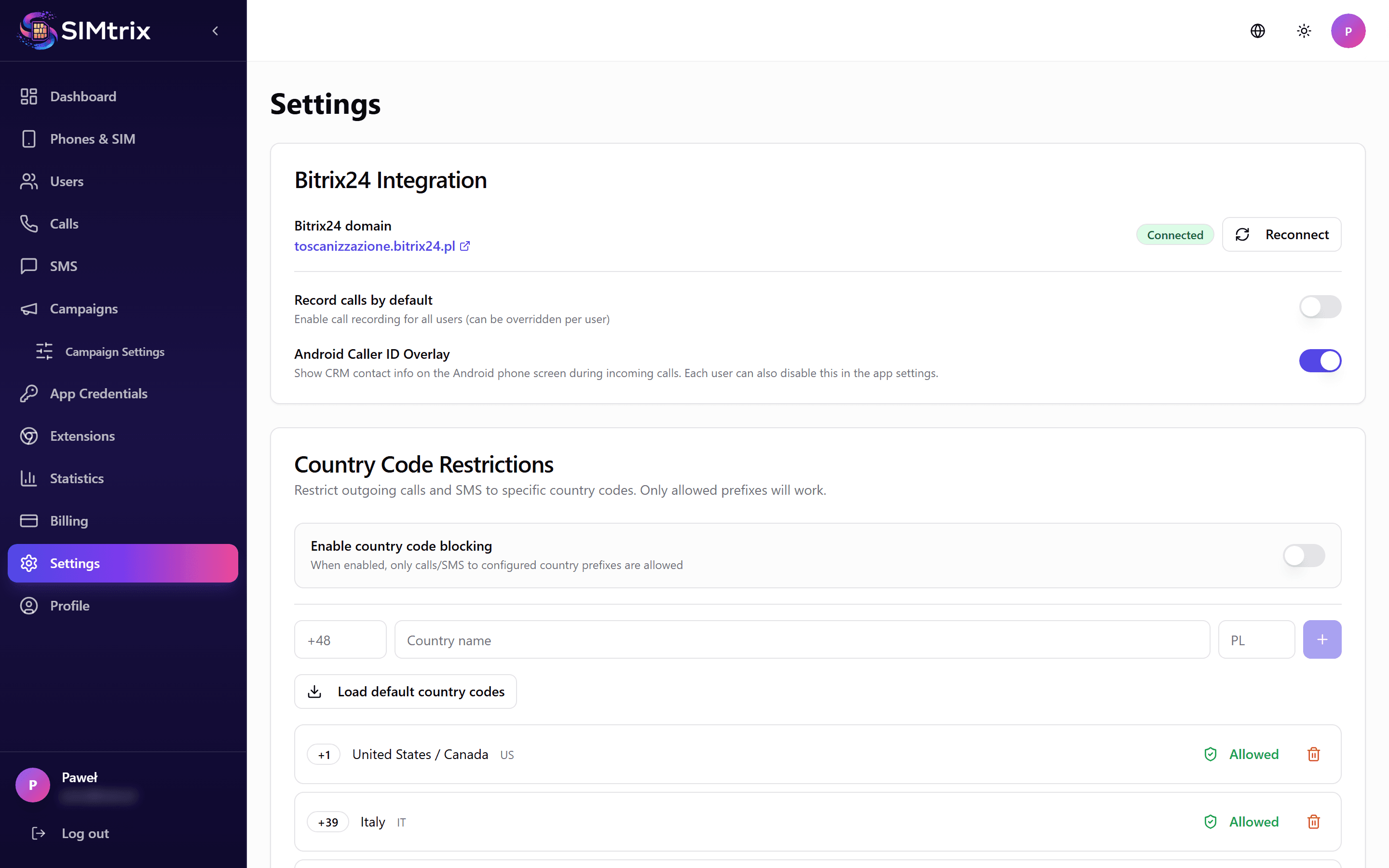
Configure your Bitrix24 connection, default behaviors, country code restrictions, recording preferences, and notification settings. Tenant-level settings apply to all users unless overridden per user.
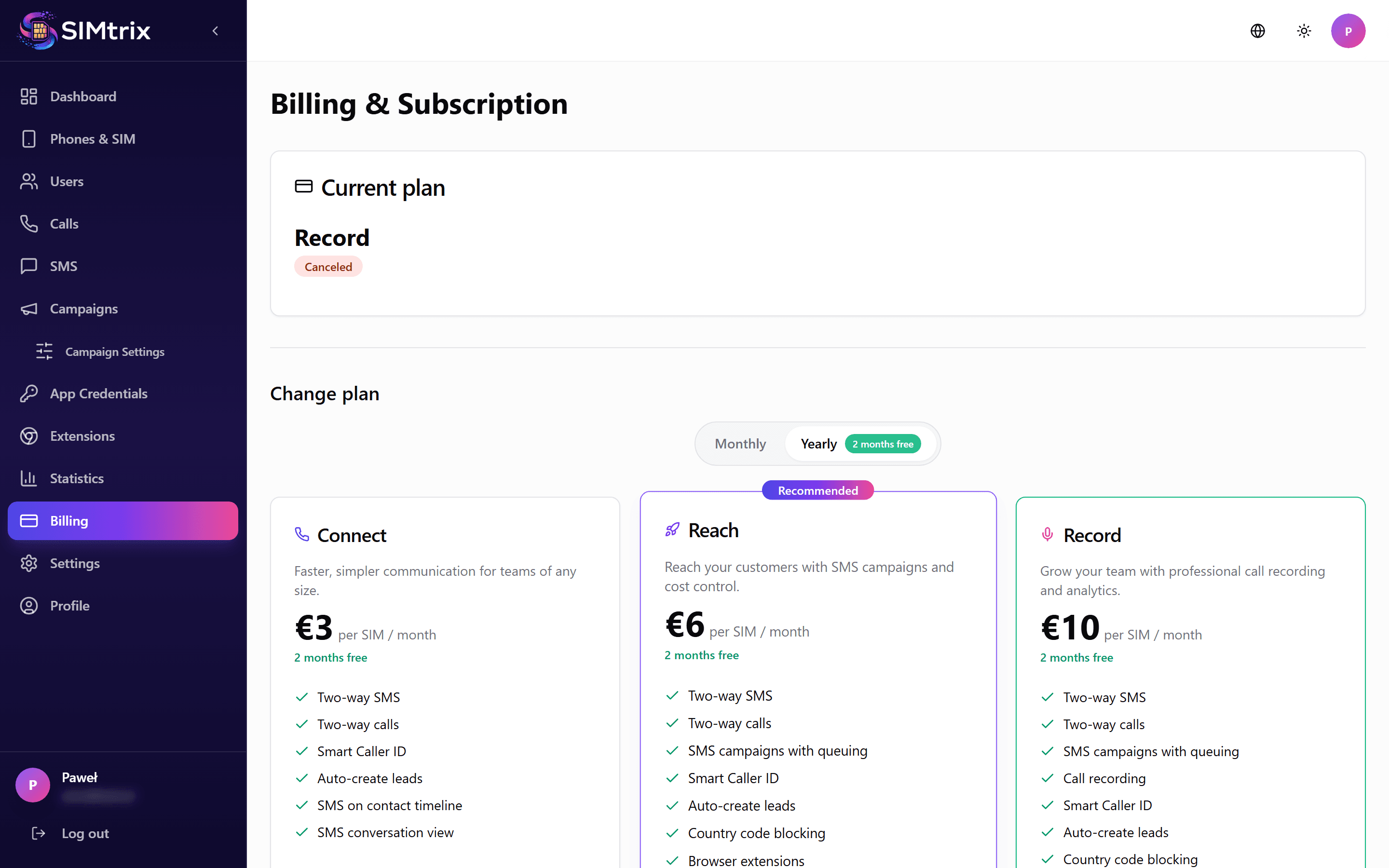
Billing
Manage your subscription plan, view invoices, add or remove SIM slots, and update payment methods. SIMtrix uses per-SIM billing — you pay for each active SIM card connection.