Create Your Account
المتطلبات المسبقة
- A valid email address
- A Bitrix24 cloud portal (any plan)
Open the registration page
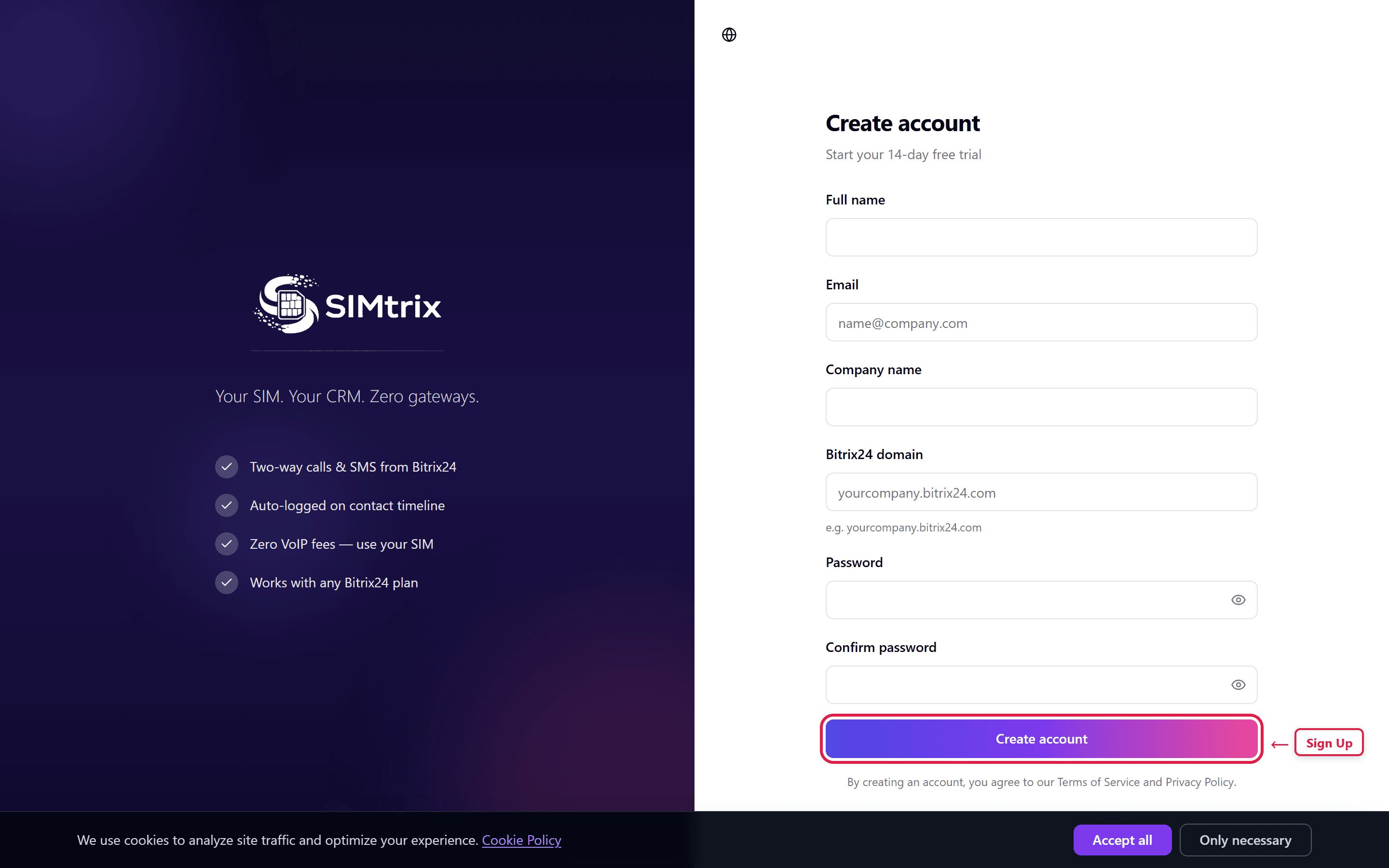
Navigate to simtrix.app in your browser. Click the "Get Started" or "Start Free Trial" button on the homepage. This takes you to the registration form.
Fill in your details
Enter your full name, email address, and choose a secure password. The password must be at least 8 characters long. Accept the Terms of Service and Privacy Policy.
Use your business email rather than a personal one. This email will be used for all account communications and billing.
Verify your email
Check your inbox for a verification email from SIMtrix. Click the verification link to activate your account. The link is valid for 24 hours. If you do not see the email, check your spam folder.
Add [email protected] to your contacts to prevent future emails from going to spam.
Log in and explore
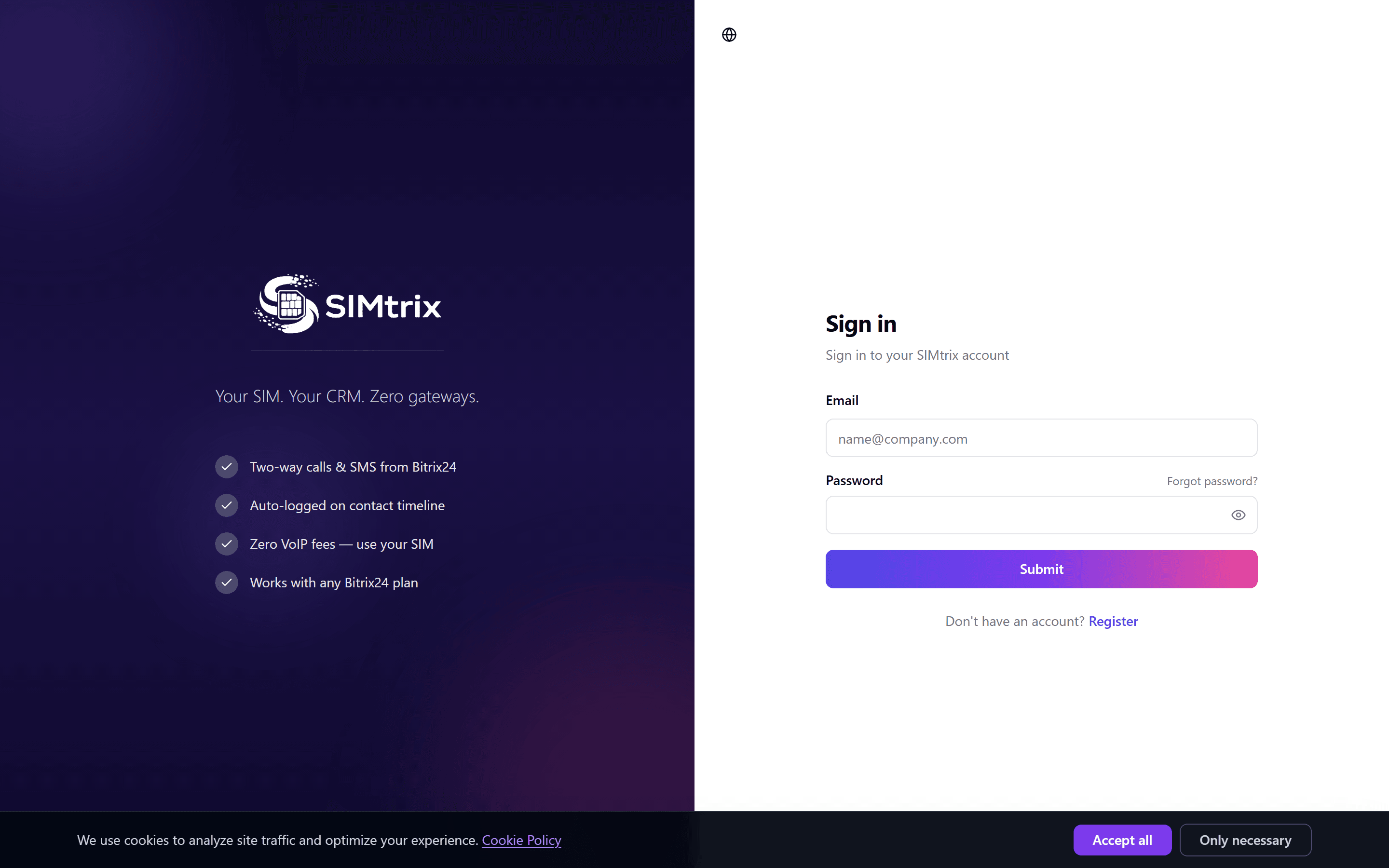
After verification, log in at simtrix.app with your email and password. You will land on your dashboard where you can begin setting up your Bitrix24 integration and connecting your Android phone.