

Invoices and Payments
Payment Methods
Payments are processed by Paddle as our Merchant of Record. Paddle supports credit/debit cards (Visa, MasterCard, American Express), PayPal, and local payment methods depending on your region. Your payment details are stored securely by Paddle — SIMtrix never sees or stores your card information.
Invoice History
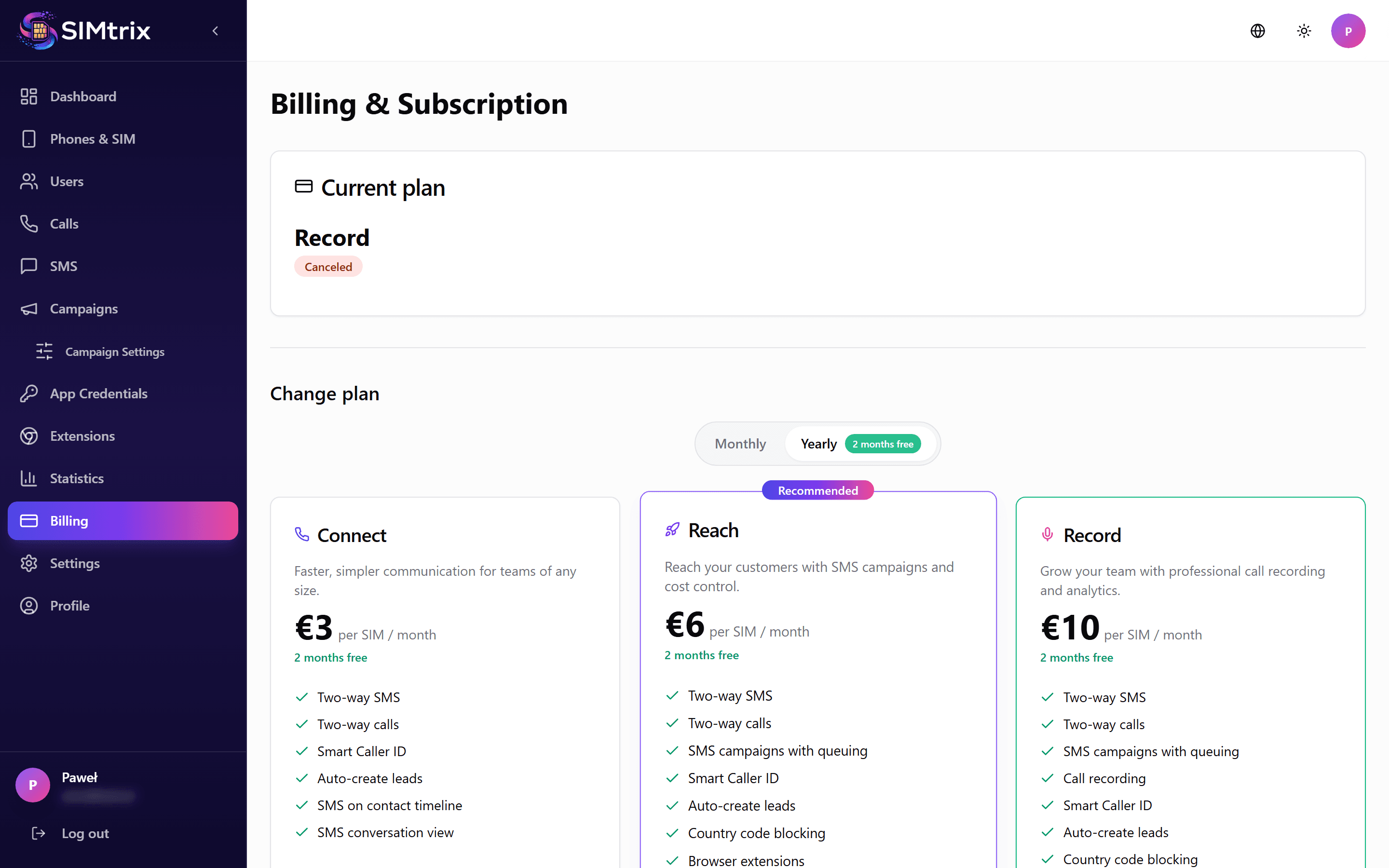
In the Billing section of your dashboard, click "View invoices". This opens Paddle's secure customer portal, where you can see all your payments and download invoices. Paddle also sends a receipt for every payment to your billing email address.
Updating Payment Method
Click "Manage payment methods" in the Billing section. This opens Paddle's secure payment portal, where you can change your card or switch to a different payment method. The new payment method is used from your next payment.
Failed Payments
If a payment fails, Paddle will retry it after a few days. You will receive email notifications about the failed payment. If the payment cannot be collected after multiple retries, your account may be paused until the payment is resolved.
Taxes and VAT
Paddle is our Merchant of Record and handles all taxes. SIMtrix prices exclude tax: Paddle adds VAT, GST or sales tax based on your location and tax status. Invoices include a full tax breakdown as required by local law.